

Hand off the busywork
Email drafts in your voice, inbox triage, meeting notes that turn into task lists, scheduling and follow-ups.
Most people use AI like a bigger Google. I teach you to hand it the work, so the four or five hours of busywork in your week take minutes. By the end, you're building your own apps.

Any skill level. If you've never opened ChatGPT or Claude, we start there. If you use it every day, we take you from user to power user.
Email drafts in your voice, inbox triage, meeting notes that turn into task lists, scheduling and follow-ups.
Newsletters, social posts, proposals, slide decks and on-brand graphics, made in minutes and approved by you.
Gmail, Google Calendar, Drive, your CRM and your project tool, so AI can act across them instead of living in a chat window.
Websites, booking pages, internal apps and automations with Claude Code, Codex and no-code builders.
Assistants that run on a schedule and leave the results waiting for you in the morning.
Drafts first, you approve before anything goes out, and private information stays private.
Pick a time from my live calendar and we meet on Google Meet. The Discovery Call is free.
We find where your hours go and map what AI can take off your plate. No card needed.
Bring one real task. We build the workflow together on your accounts.
I train staff at businesses, churches, nonprofits and schools to hand AI the busywork, safely, so the hours they lose every week go back into the work that matters. I'll travel to you anywhere or train your team online, from a single lunch-and-learn to ongoing coaching.
Thirty minutes on Google Meet. Tell me what eats your week.
The three workflows that will save you the most time, written down so you keep it.
One real task at a time, on your own accounts, until you're running it yourself.

I've spent my career in communications, media and technology, and I'm the founder of Kinetic Communication Solutions in Huntsville, Alabama. Over the last year I rebuilt how I work around AI: my email, my meetings, my client work and the apps I run my business on.
None of that needed a computer science degree. It needed someone to show me how the pieces connect. That's what I do for you, one real task at a time.
Every second Tuesday at noon Central, I work through Codex and Claude Code live: real functions, tips and tricks, and the setups I use every day. Bring your questions. The last part is open Q&A.
Times are live from my calendar, shown in Central time. Weekdays, 9 AM to 4 PM.
1 · Choose a session
2 · Pick a day
Yes. Thirty minutes, no card needed. We find where your hours go and you leave with a plan. If a Power Hour would help, I'll tell you; if not, the plan is still yours.
It ties your booking to you and keeps spam bots off my calendar. With Google it's one click; with email it's a password and a quick code. You never pay to create one.
No. If you can send an email, you can do this. I meet you where you are.
A laptop and a free ChatGPT or Claude account. Paid plans unlock more, and I'll tell you when one is worth it for you.
Mainly Claude and Claude Code, ChatGPT and Codex, plus the apps you already use, like Gmail, Google Calendar and Drive.
On Google Meet. The link is in the calendar invite you get as soon as you book.
Reply to your calendar invite and we'll find a new time.
Yes. I train staff at businesses, churches, nonprofits and schools, in person wherever you are or online. Book a free Discovery Call, tell me about your team, and we'll plan the right format from there.
One practical post every Tuesday on handing AI the busywork. Claude Code, Codex, connectors, APIs, and the AI video and audio tools worth your time.
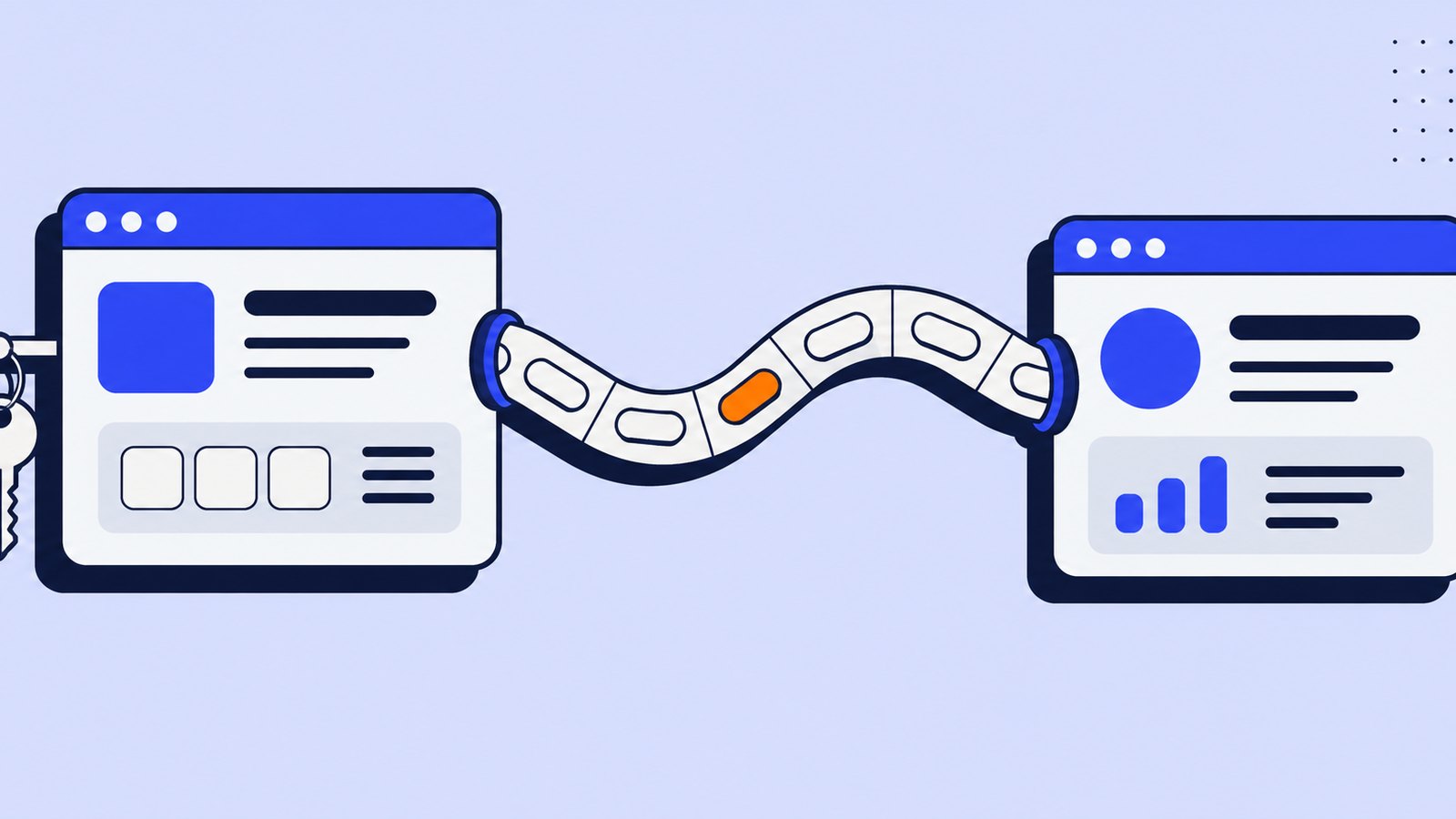
Most apps have an API even when nobody has built a connector. Claude Code or Codex can read the docs and write the script while you stay the project manager. Here's the safe way.
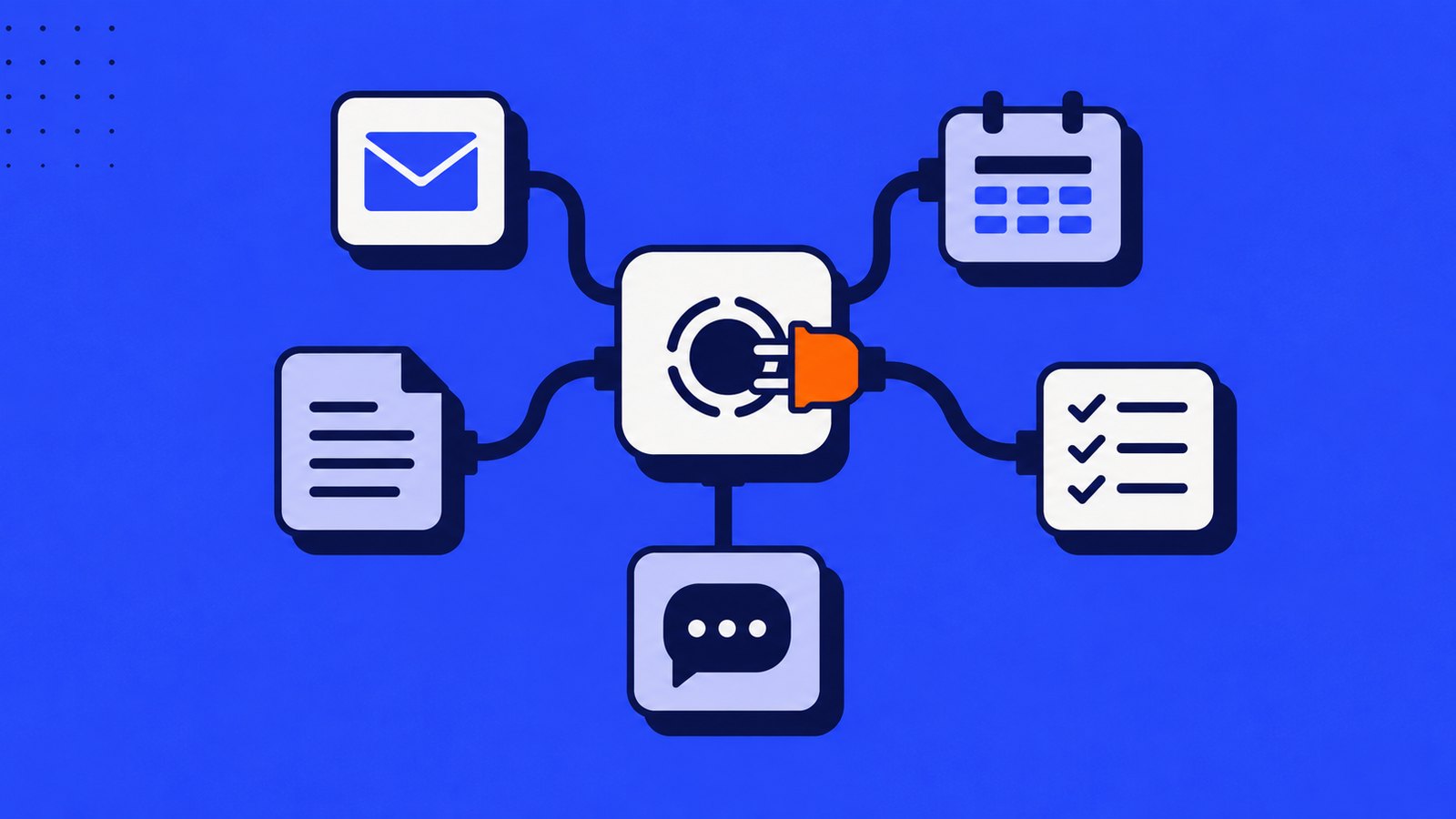
MCP is the standard plug that lets an AI app use the tools inside your other apps, with your permission. What it is, who runs it and how to add your first connector safely.
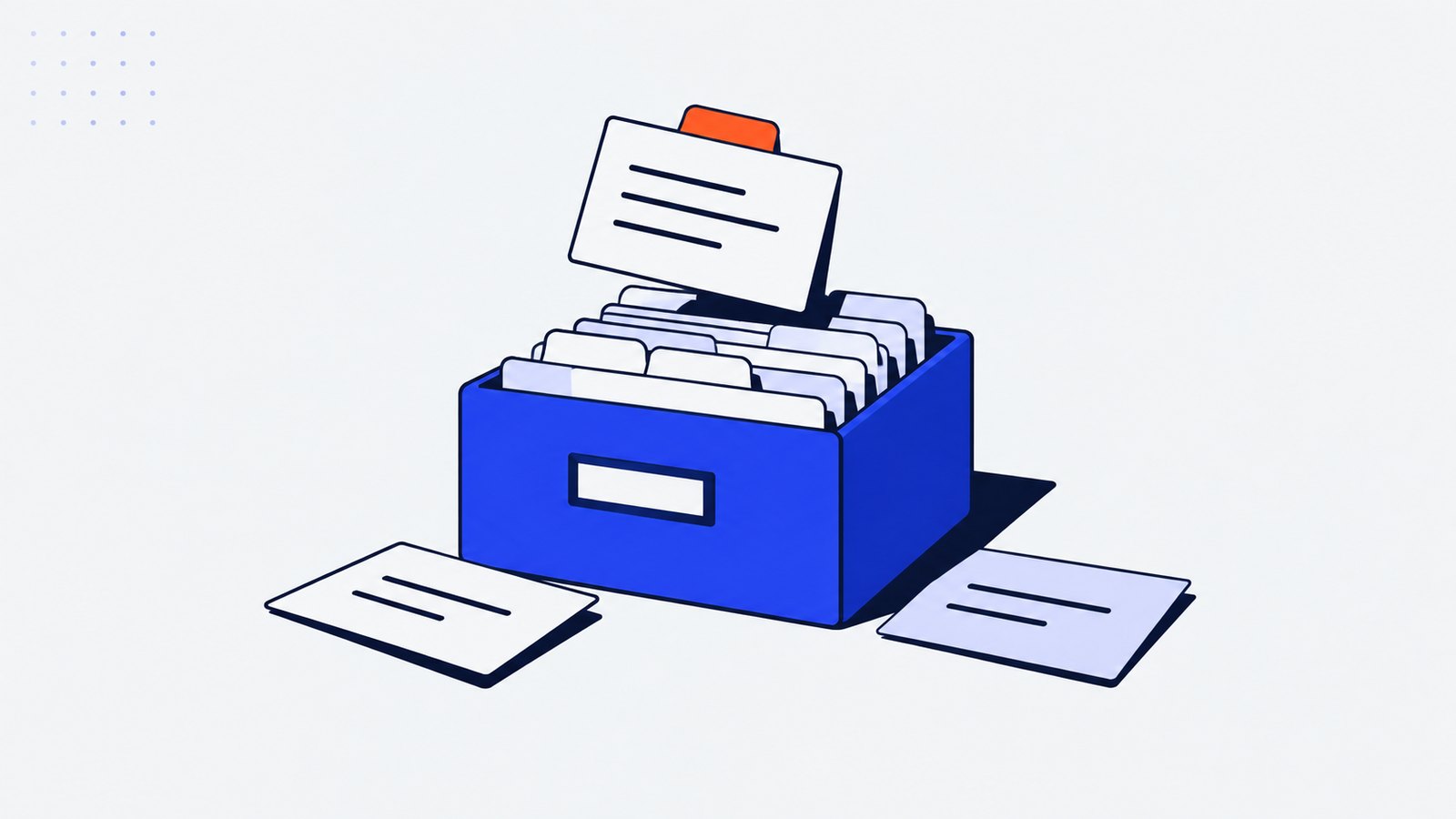
Every AI session starts from zero unless you hand it a file to read first. What goes in a memory file, what never does and a starter template to copy.